Site owner
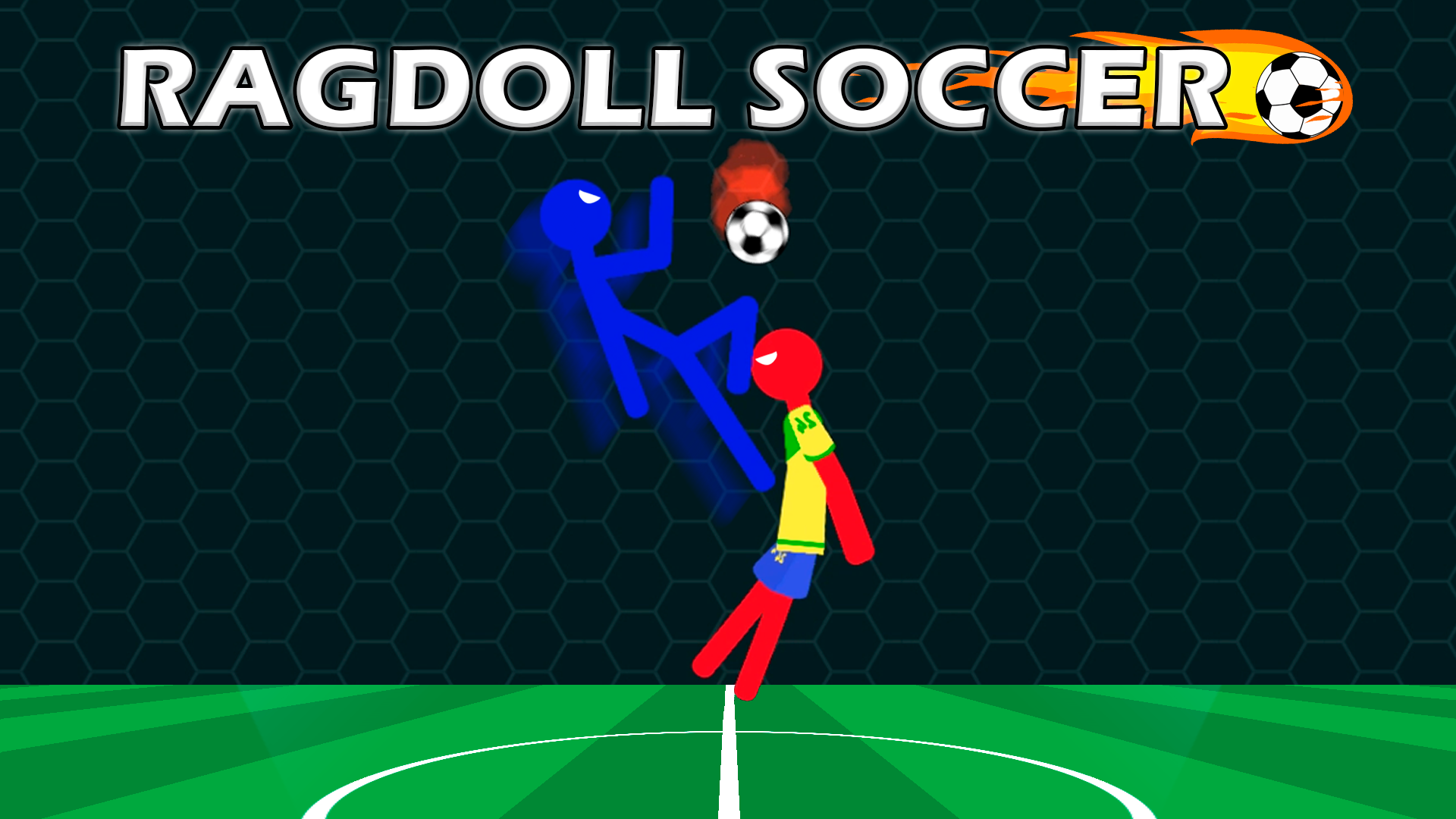
Free browser football
Tap to load · 1–2 players · keyboard, gamepad or touch
Wobbling onto the pitch… loading Ragdoll Soccer
What Ragdoll Soccer is
Ragdoll Soccer is a football game where the players are floppy stickmen instead of athletes, and the ball does not care about their plans. Every run, header and tackle comes out wobbly: a defender can overshoot the ball and land on his face, a keeper can tumble backwards into his own net, and a shot that looked certain can end up bouncing off a pair of dangling legs. That loose, tipsy movement is the whole point of the game. You are not learning combos or timing bars, you are learning to aim a body that refuses to stay upright.
The game is made by x7-games, built in Unity, and was first published in December 2024. It is a two-dimensional pitch shown side-on, so the whole match fits on one screen at once, and it runs in landscape. Ragdoll Soccer plays in the browser here on the page, which means you press play once and the match is a couple of seconds away.
How to play Ragdoll Soccer
Ragdoll Soccer is not a deep rulebook. You have one job: put the ball into the other net more often than the other side does. A match ends on its own scoreline, and when the whistle goes the winner is simply whoever has more goals. There are no cards, no offside traps and no complicated fouls, which is why the game works as a five-minute break or as an argument between two people sharing a sofa.
What you do need is the controls, and they are short:
| What you want to do | Desktop | Touch screen |
|---|---|---|
| Run | W A S D | Virtual joystick |
| Headbutt the ball | Q | Headbutt button |
| Kick the ball | E | Kick button |
| Alternative | Mouse | - |
| Gamepad | Supported | - |
A normal passage of Ragdoll Soccer looks like this. You run at the ball, press E to boot it along the ground, and watch your stickman swing a leg that is attached a little too loosely. If the ball is in the air, pressing Q throws your head at it instead, which is how most goals start. The mouse can drive your player if the keyboard feels awkward, and a controller behaves the way you would expect.
Modes in Ragdoll Soccer
The game opens on a mode menu, and each mode is a different kind of session:
- Training - a place to get used to the wobble without a scoreline to worry about.
- Classic Match - a straight match against the computer.
- 2 Players - two people share the same device and the same screen.
- Penalty Shootout - spot kicks instead of open play.
- Tournament - a run of matches rather than a single game.
Because there is no save file behind Ragdoll Soccer, a tournament run lives only inside the session you are playing. If you close the tab, the next visit starts again from the mode menu with nothing carried over. That keeps the game honest and quick, but it also means you should finish a run in one sitting.
Maps and power-ups
Matches are played on one of two pitches. Field is the normal one: green turf, chalk lines and a crowd of small spectators behind the goal. Matrix swaps that for a dark grid that looks like a void with a football in it. Both pitches are the same game, but the second one is much harder on your eyes at two in the morning.
Four power-ups turn up during play: Reducer, Freezing, Gates and Goalkeeper, which respectively shrink the ball, freeze your opponent for a moment, stretch a goal mouth and call in a keeper. Learning which one to grab first is most of the tactical depth in Ragdoll Soccer - grabbing the wrong one in a 2 Players match is a fast way to lose an argument.
Tips for scoring in Ragdoll Soccer
- Headbutt on the way up. The Q header is the best tool in the game. Press it while the ball is still climbing rather than waiting for it to come down, because your player takes a moment to commit his body.
- Get close before you kick. The E kick has short reach. Standing a step away and swinging at air is the most common mistake new players make.
- Do not both chase the ball. In a two-player match, one of you should stay back. Two floppy bodies arriving at the same ball usually end with an open net behind them.
- Save Freezing for the wrong moment. Use it when your opponent is lining up a shot, not when he is miles from the ball.
- Practise in Training first. Two minutes there will teach you how long a stickman takes to turn around, which is the one thing the wobble punishes most.
Playing Ragdoll Soccer on a phone
The game runs on phones and tablets in landscape, with a virtual joystick on one side and separate buttons for the headbutt and the kick. Tap play, turn the device sideways, and it behaves like the desktop version with a shorter reach on your thumbs. On desktop it runs in any modern browser on Windows, macOS or Linux, and the same page works whether you are on a laptop or a phone.
If the loading animation stays on screen for more than ten seconds, the usual cause is a blocked third-party frame, so allow embedded content for this site and reload. The first load takes longer than a restart because the game files are cached after the first visit.
A free browser version of Ragdoll Soccer
Everything on this page is built around one thing: getting you into a match fast. There is no account, no download, no install and no launcher - the game lives inside the player above and the page around it simply explains what you are looking at. Play it on a break, hand the keyboard to a friend for a 2 Players match, or grind a Tournament run in one sitting, then come back and tell us in the comments which mode you want us to look at next.
Ragdoll Soccer FAQ
Can I play Ragdoll Soccer on my phone?
Yes. The game runs in landscape on phones and tablets and shows an on-screen joystick plus buttons for the headbutt and the kick. Turn your phone sideways, tap play, and give it a few seconds to load over mobile data.
Do I need to download or install Ragdoll Soccer?
No. It runs in the browser inside this page. There is nothing to install and no account to create - the game starts when you press play.
Is Ragdoll Soccer free?
Yes, playing here is free and does not need a login. The browser version is served by Playgama through an embedded player, and the page around it stays free to read.
Can two players share one keyboard?
Yes. Classic Match and 2 Players are both made for two people on one device, and gamepads are supported as well as the keyboard. Player one moves with WASD and uses Q and E.
What are the controls in Ragdoll Soccer?
Move with WASD, press Q to headbutt and E to kick. The mouse also works as an alternative and gamepads are supported. On touch screens you get a virtual joystick plus two buttons.
Does the game save my progress?
No. Ragdoll Soccer does not store progress, unlocks or scores, so each session starts from the mode menu. Nothing is lost from a save file because there is none.
Can I play Ragdoll Soccer in fullscreen?
Yes. Press the fullscreen button right next to the game; on phones it also tries to switch to landscape so the pitch fills the screen.
The game will not load - what should I do?
Reload the page first. If the loading animation never finishes, check your connection, allow embedded frames and scripts for this site in your browser or ad blocker, and try another browser. The game is served by Playgama, so a blocked third-party frame is the usual cause.
Player comments
Played a match? Post your best goal, ask about the controls, or tell us which mode you want next. Comments are plain text and show up right away.